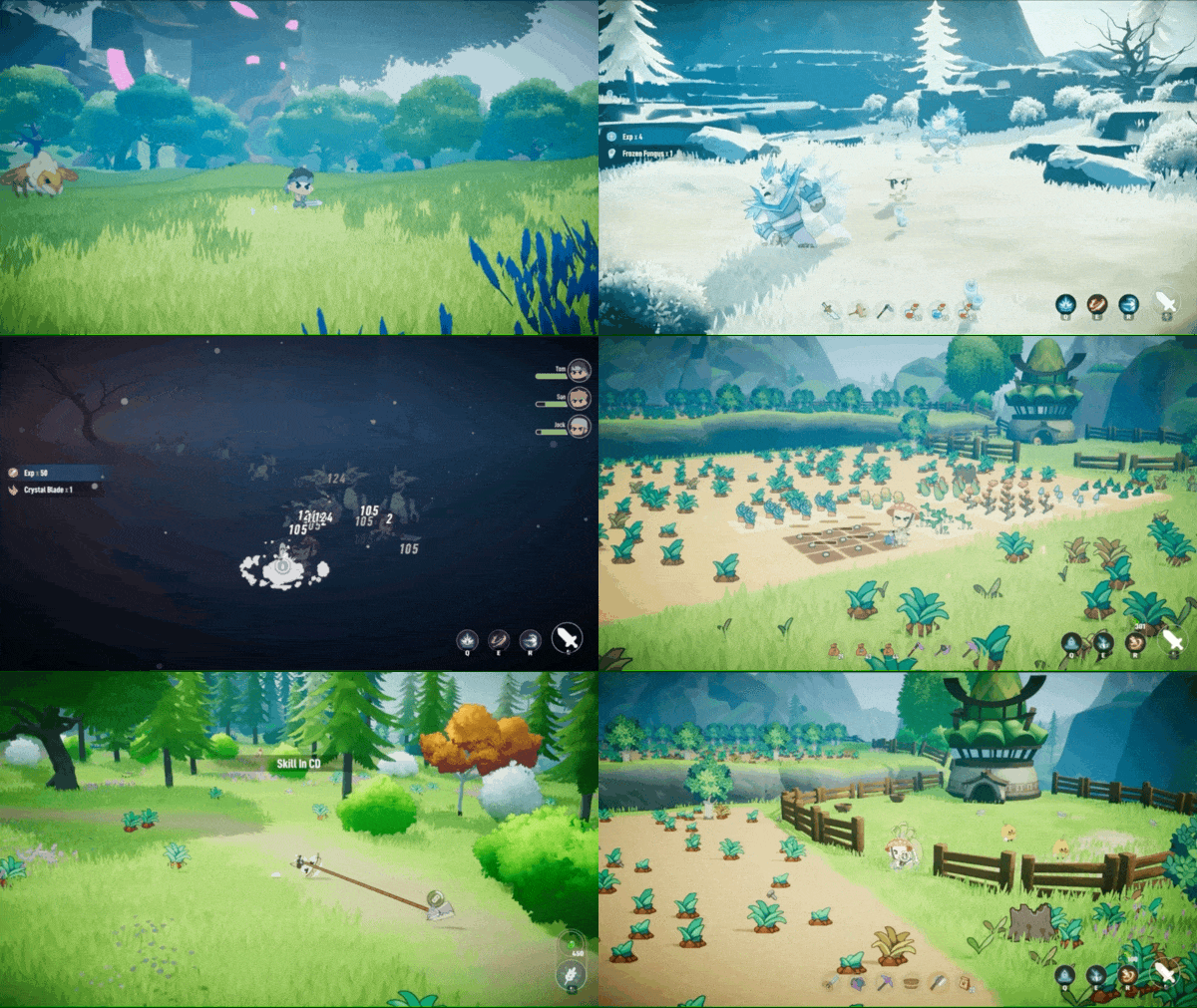
> For the complete documentation index, see [llms.txt](https://docs.lumiterra.net/lumiterra-game-guide-101/llms.txt). Markdown versions of documentation pages are available by appending `.md` to page URLs; this page is available as [Markdown](https://docs.lumiterra.net/lumiterra-game-guide-101/how-to-play-the-demo.md).
# How to Play the Demo?
Thank you all for being a part of Lumiterra’s early access trial phase!
Here’s a simple guide on how to kickstart your gaming adventure:
🔔 If you run into any hiccups along the way, feel free to pop into our Discord community for help and assistance. We’re here for you!Here’s how it goes:
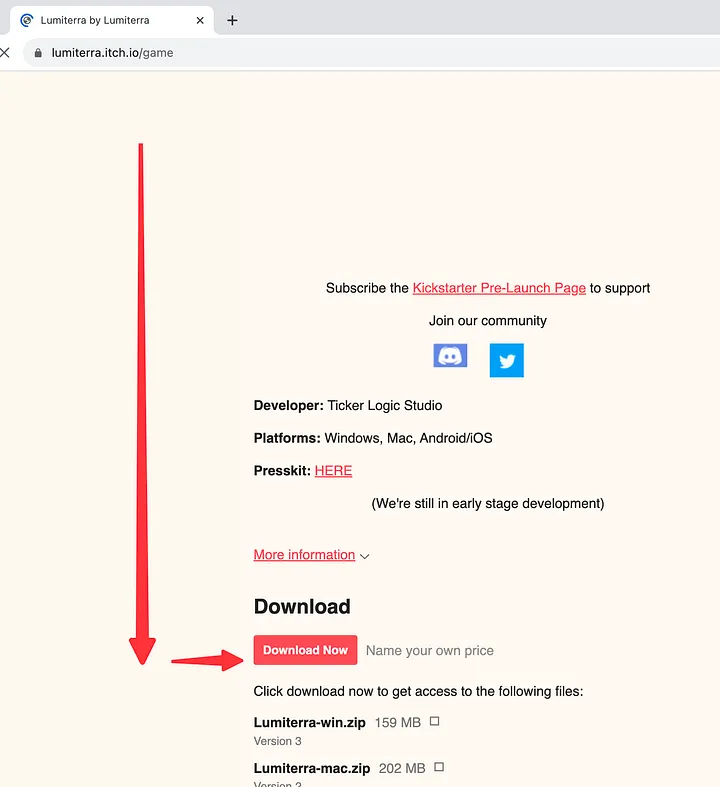
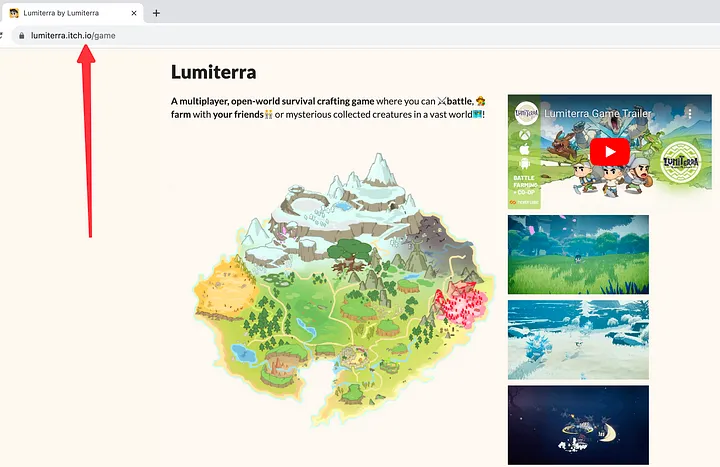
1. Open this link: , which takes you to Lumiterra’s itch.io page.
2. Scroll down to the download section (no worries about the price, Lumiterra is free to play) and click “Download Now” Button.
3\. Choose your platform. Currently available for PC and Mac and Android, with iOS support coming soon.
3\. Choose your platform. Currently available for PC and Mac, with mobile support coming soon.
4\. Please download the installation package for your specific platform, either Windows or Mac.
> 💡 The following installation and login steps are based on the PC version. The process is similar for mobile devices.
>
> 🧑🤝🧑 If you encounter any issues during the login process, please contact a Mod on Discord for assistance.
5\. After downloading, extract the files and then proceed to run the installation package. Follow the provided prompts to complete the setup.
6\. To launch the game, double-click the game icon. Please be patient as the game updates extra resources for approximately 5 minutes. Once the update is complete, you will see the login screen.
7\. To begin the game, click on “GAME START”.
This will take you to the Sign in page where you should then click on the “Open System Browser” button.
8\. You can choose either your Google account or the web3 login.
9\. Let’s take Metamask login as an example:
* Click the “Web3 login” button.
* Complete the signature authorization in the pop-up window.
* Wait a moment, then return to the game to dive into your adventure.
10\. Congratulations, you’re in! You’ve successfully logged in and are all set to start your epic journey in the realm of Lumiterra.
*Quick tip: Should you encounter any bumps while exploring the game, don’t hesitate to reach out to us on* [*Discord*](https://discord.gg/q3P5hjqsuE)*. We’re always here to assist you and ensure you have a fantastic time! 🎉*
***
Hey Lumiterra Adventurers! 🌟
We’re reaching out with a small favor to ask. If you’ve been enjoying our game, we’d be thrilled if you could leave us a 5-star rating and a lovely review on itch! ❤️ Your support can help more gamers discover the magical world of Lumiterra.
And as a token of our gratitude, we’ll be offering special rewards to our early community supporters in our future game updates. 🎁 Every bit of support counts!
Here’s the link to share the love:
Thanks for being part of our journey! 🎮
---
# Agent Instructions
This documentation is published with GitBook. GitBook is the documentation platform designed so that both humans and AI agents can read, navigate, and reason over technical content effectively. Learn more at gitbook.com.
## Querying This Documentation
If you need additional information that is not directly available in this page, you can query the documentation dynamically by asking a question.
Perform an HTTP GET request on the current page URL with the `ask` query parameter:
```
GET https://docs.lumiterra.net/lumiterra-game-guide-101/how-to-play-the-demo.md?ask=
```
The question should be specific, self-contained, and written in natural language.
The response will contain a direct answer to the question and relevant excerpts and sources from the documentation.
Use this mechanism when the answer is not explicitly present in the current page, you need clarification or additional context, or you want to retrieve related documentation sections.